Merchants Guide: Everything You Should Know About Apple Pay
A comprehensive deep-dive into Apple Pay for global businesses.

Apple Pay has become a standard part of the modern checkout experience.
In 2026, payment performance remains a key differentiator. For many modern merchants, Apple Pay has transitioned from a premium feature to a fundamental requirement.
For merchants, the question is not whether Apple Pay is popular. It is whether enabling it improves performance, simplifies checkout, and fits within a broader payment strategy.
How does Apple Pay work and what businesses should consider before enabling it?
Let’s dive into everything your business needs to consider.
What Is Apple Pay?
Apple Pay is a digital wallet that allows customers to pay using stored card details through Apple devices such as iPhones, iPads and Macs.
Instead of entering card numbers, customers authenticate payments using Face ID, Touch ID, or a device passcode.
From a user perspective, it removes friction. From a merchant perspective, it changes how payments are authorised and processed.
How Apple Pay Works
Apple Pay does not replace card networks. It sits on top of them.
When a customer pays:
- The customer selects Apple Pay at checkout
- The device authenticates the user (Face ID / Touch ID)
- Apple Pay generates a token instead of sharing the real card number
- The transaction is processed through the existing card network
- The issuing bank approves or declines the transaction
The key difference is tokenisation. The merchant never receives the actual card details.

Why Apple Pay is Important for Merchants and Operators
Apple Pay addresses three critical areas: conversion, security and user experience.
1. Improved Conversion
Typing card details on mobile is one of the biggest sources of checkout abandonment.
Apple Pay removes this step entirely.
- No manual entry
- Faster checkout
- Fewer errors
This is particularly important in iGaming, travel, and ecommerce, where speed directly impacts conversion.
2. Stronger Security
Apple Pay uses tokenisation and biometric authentication.
- No card data stored or shared with merchants.
- Reduced exposure to certain fraud risks.
- Lower likelihood of some forms of data breaches.
For merchants, this means fewer vulnerabilities in the payment flow.
3. Better User Experience
Apple Pay aligns with how users already interact with their devices.
- Familiar interface.
- Fast confirmation.
- Seamless mobile experience.
The result is a checkout flow that feels natural rather than transactional.
Key Features of Apple Pay Breakdown
Regional Considerations
Apple Pay adoption varies by region.
Europe
High adoption and strong alignment with mobile-first users.
United States
Widely adopted across ecommerce and in-store payments.
Asia
Rapid growth, especially in markets with strong mobile ecosystems.
Emerging Markets
Lower penetration compared to local APMs.
Apple Pay should complement, not replace, local methods.
Integration and Infrastructure Requirements
Enabling Apple Pay is relatively straightforward but depends on your setup.
Merchants typically need:
- A payment provider that supports Apple Pay
- Merchant validation with Apple
- Frontend integration (web or app)
- Backend support for tokenised transactions
In more complex setups, such as iGaming or multi-market operations, Apple Pay should be integrated through a payment orchestration layer.
This allows merchants to:
- Combine Apple Pay with other methods
- Route transactions dynamically
- Maintain control across providers
When Should Merchants Enable Apple Pay?
Apple Pay is particularly valuable if:
- You have a high share of mobile traffic.
- You operate in markets with strong Apple Pay adoption.
- You want to reduce checkout friction.
- You are optimising conversion rates.
It is less impactful if:
- Your audience relies heavily on local APMs.
- Your checkout is already optimised for other methods.
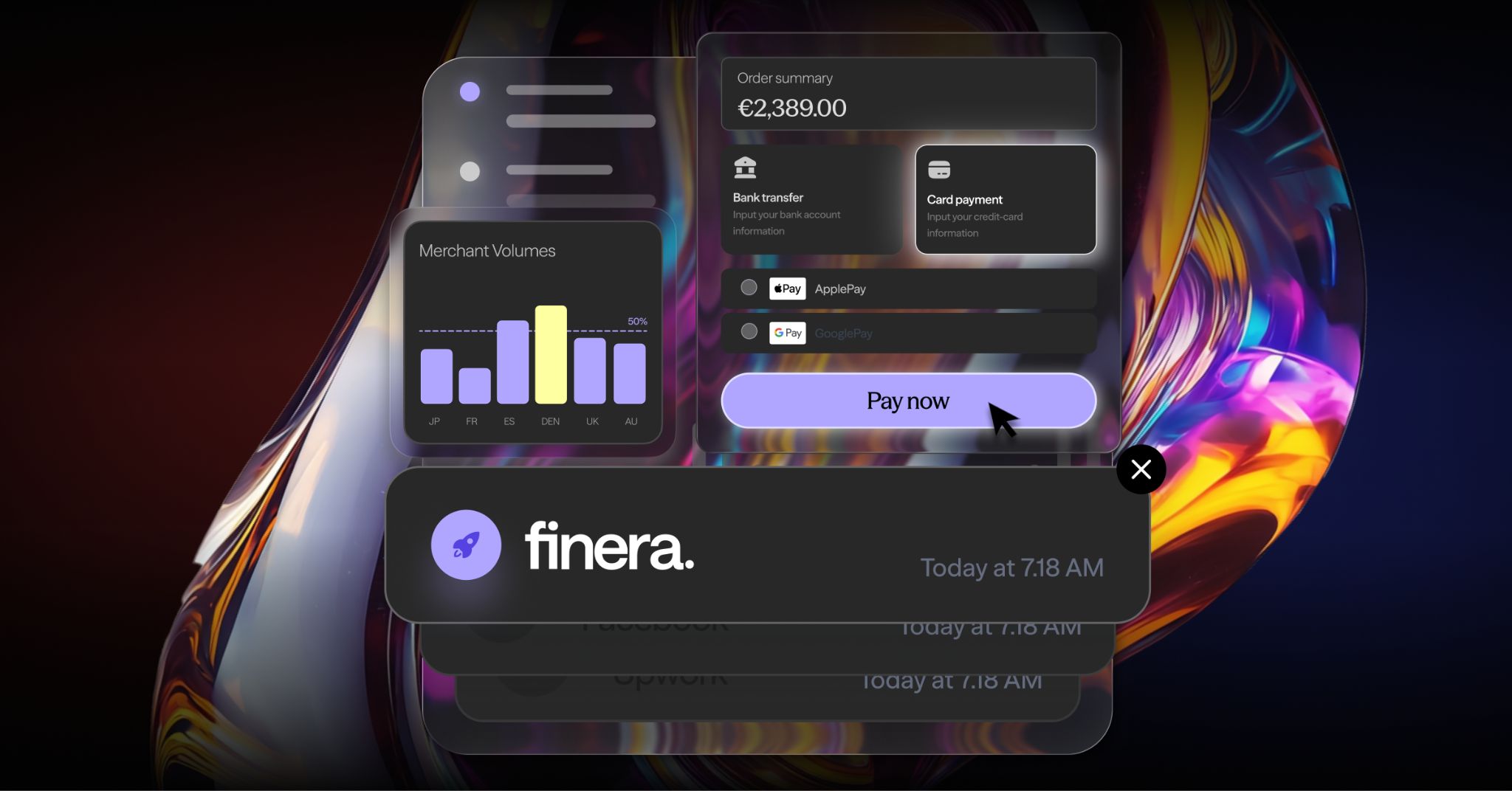
Apple Pay Features through finera. & Benefits for Merchants
Apple Pay can significantly improve checkout speed, security, and user experience, but its impact depends on how it is implemented within your wider payment stack.
The real value comes from combining:
- Apple Pay for convenience.
- Local payment methods for coverage.
- Smart routing for performance.
Together, these create a payment experience that is both efficient and reliable.
Getting Started: Activating Apple Pay via finera.
If you are looking to optimise your payment stack across regions, methods, and providers, finera’s payment orchestration platform is designed to help you manage payments with greater visibility and control.
With finera.’s payment orchestration platform, you can enable Apple Pay alongside local payment methods, route transactions intelligently and optimise performance across providers and regions through one integration.
DISCLAIMER
This article on payment methods is for informational and educational purposes only.
- Not Professional Advice: The content provided does not constitute financial, legal, tax, or professional advice. Always consult with a qualified professional before making financial decisions.
- No Liability: The authors, contributors, and the publisher assume no liability for any loss, damage, or consequence whatsoever, whether direct or indirect, resulting from your reliance on or use of the information contained herein.
- Third-Party Risk: The discussion of specific payment services, platforms, or institutions is for illustration only. We do not endorse or guarantee the performance, security, or policies of any third-party service mentioned. Use all third-party services at your own risk.
- No Warranty: We make no warranty regarding the accuracy, completeness, or suitability of the information, which may become outdated over time.

Frequently Asked Questions

Still Have Questions?
Let’s Find the Right Solution for You
Stay Connected with Us!
Follow us on social media to stay up to date with the latest news, updates, and exclusive insights!